Getting started
Introduction
An open-source, local-first workspace for presentations you can keep editing.
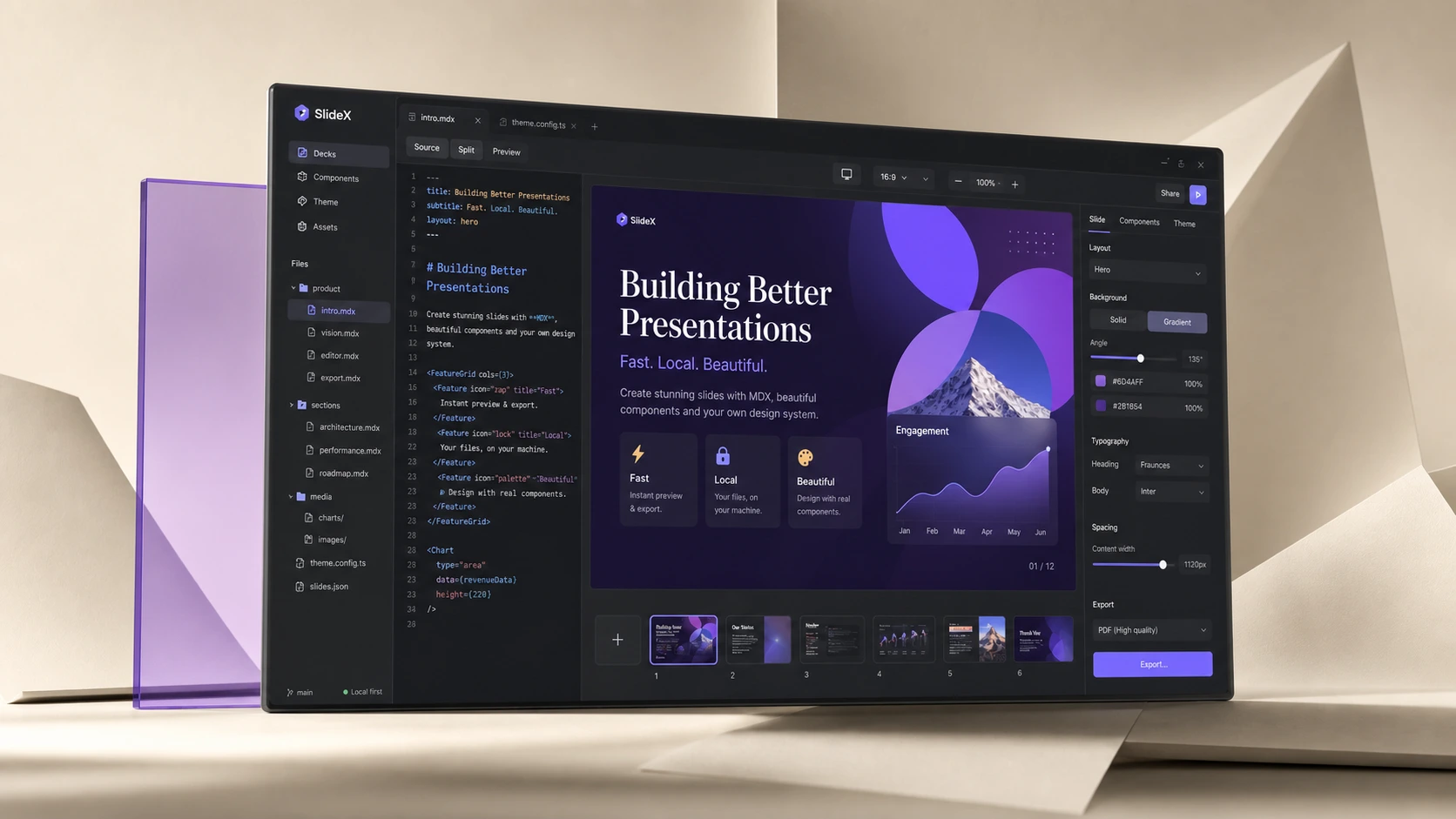
Your source stays yours
Every deck lives in a folder you own. Its editable source is presentation.tsx; its assets and exports stay beside it, ready for your editor, terminal, or Git workflow.
OpenSlideX compiles React-first presentation source to its portable MotionDoc model. MDX remains available for import and export, rather than being the deck's canonical source.
Work without a hosted dependency
Create, edit, preview, validate, render, and export locally. There is no account requirement, background sync, or hidden cloud presentation store in the workflow.